Photo
Creative
365visual Photo
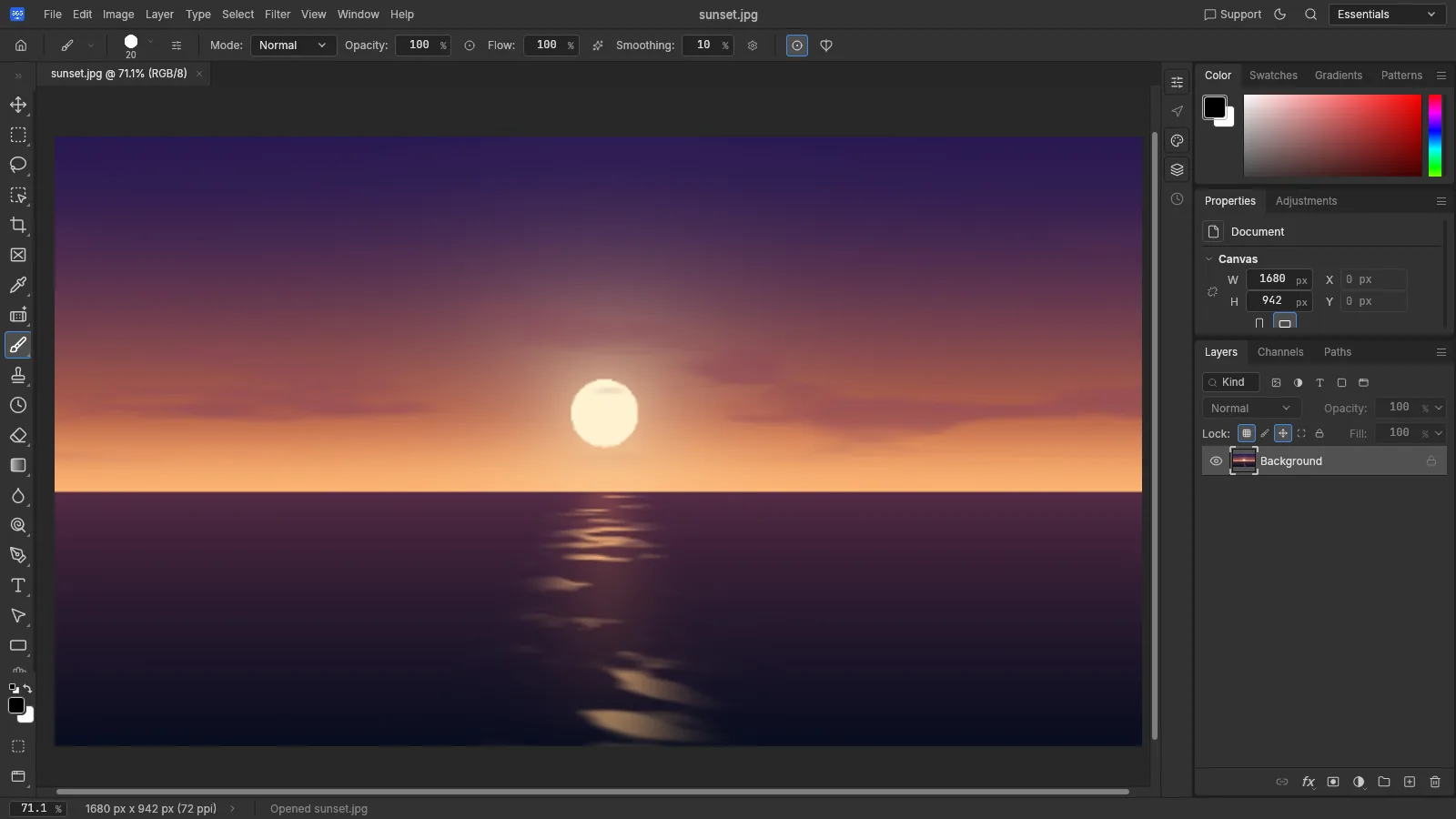
Retouch, composite and design with layers, masks and adjustments — right in your browser, or installed on your PC.
- Layers, masks and blend modes
- Non-destructive adjustment layers
- Healing, clone and selection tools
- Opens PSD, JPEG, PNG, WebP and TIFF
365visual Photo
What's new
Version 0.9.117 Oct 2026
- 365visual Photo 0.9.1.
- Claude: works in the open 365visual Photo window when it is open (Preferences > Integrations > Allow agent control).
- Claude: opens and saves files in the folders set in the Claude extension (Pictures by default), with clearer messages.
System requirements
Desktop app
- Windows 10 or Windows 11
- 64-bit (x64) PC or laptop
- 91 MB download
- Internet to activate, then at least every 14 days
Web version
- A modern browser — Chrome, Edge, Firefox or Safari
- Nothing to install
- Your 365visual Pro activation code
- Files stay on your device