Photo
v0.9.1
365visual Photo
Photo editing and compositing
13 creative and office apps with one 365visual Pro subscription — in your browser, on Windows, Mac and Linux, and in Claude Desktop.
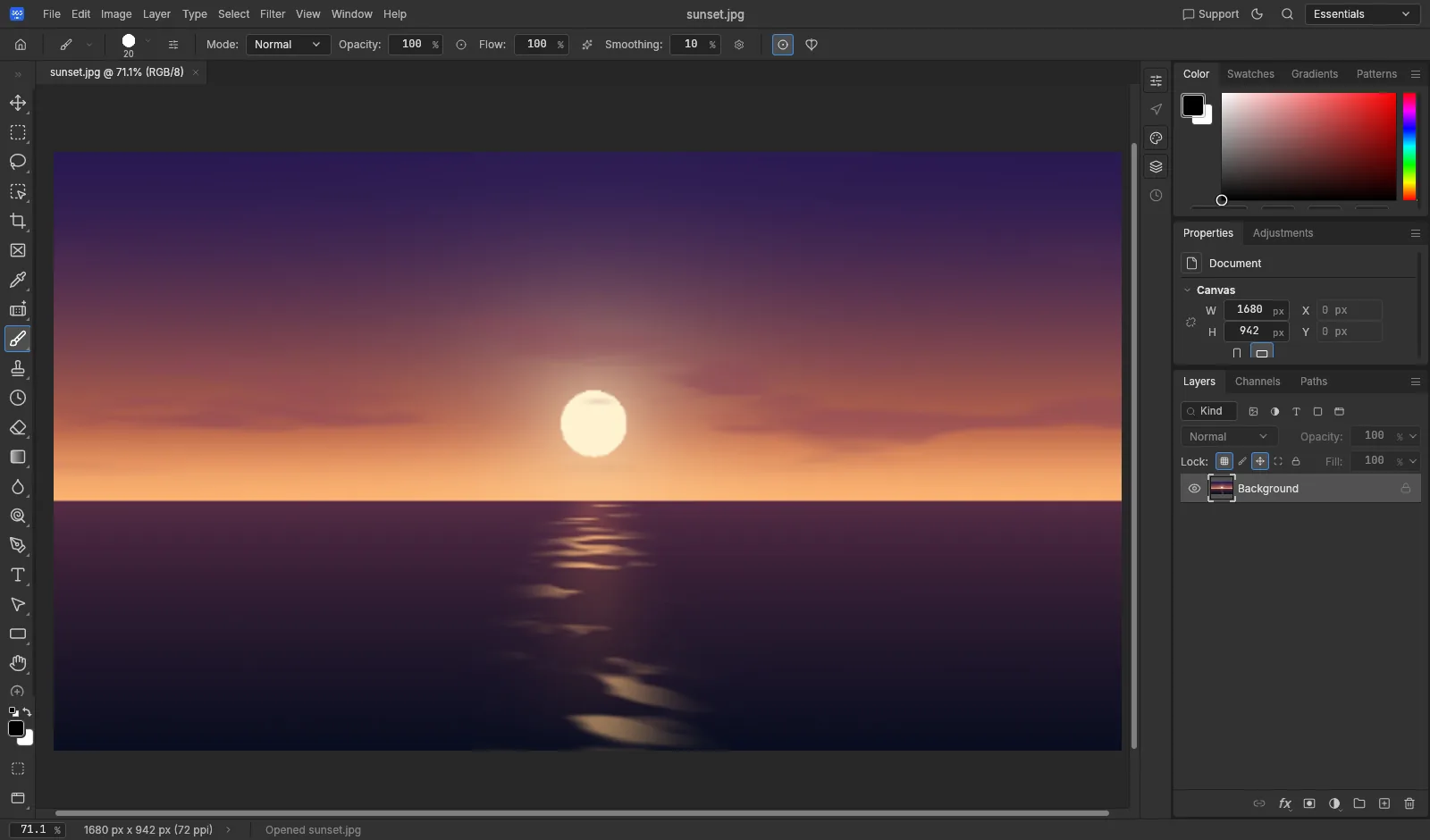
Creative, Documents and Engineering — every app opens in your browser and installs on Windows.
Browse all apps ↓Photo editing and compositing
Photo library and non-destructive editing
Video editing
Motion graphics and compositing
Vector illustration
Page layout and publishing
Interface design and prototyping
Audio recording and editing
Read, edit and sign PDFs
Word processing
Presentations
Spreadsheets
2D drafting and design
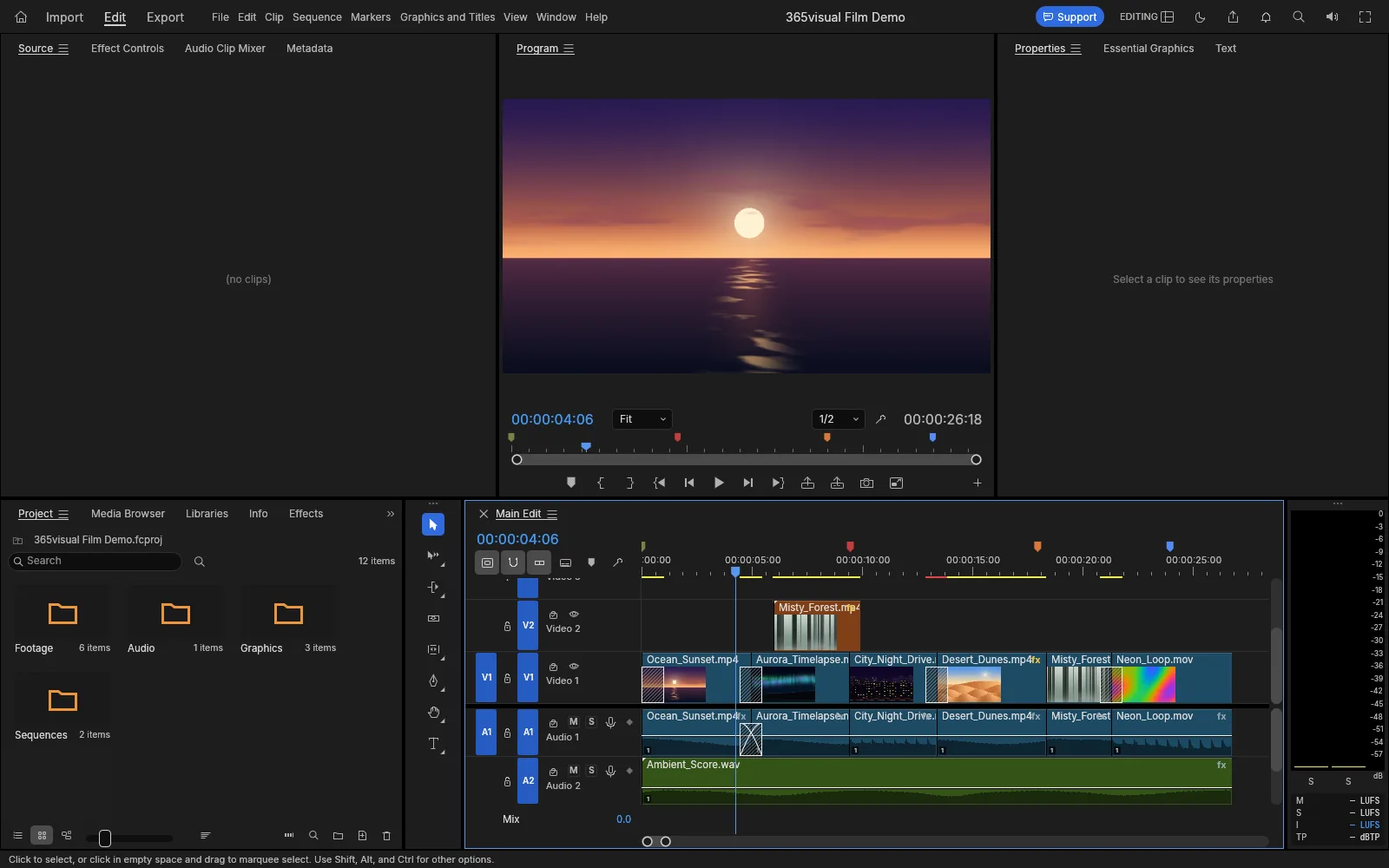
Photo, Light, Film, Effects, Vector, Design, UI and Sound — the full creative toolkit, sharing one look and one way of working.
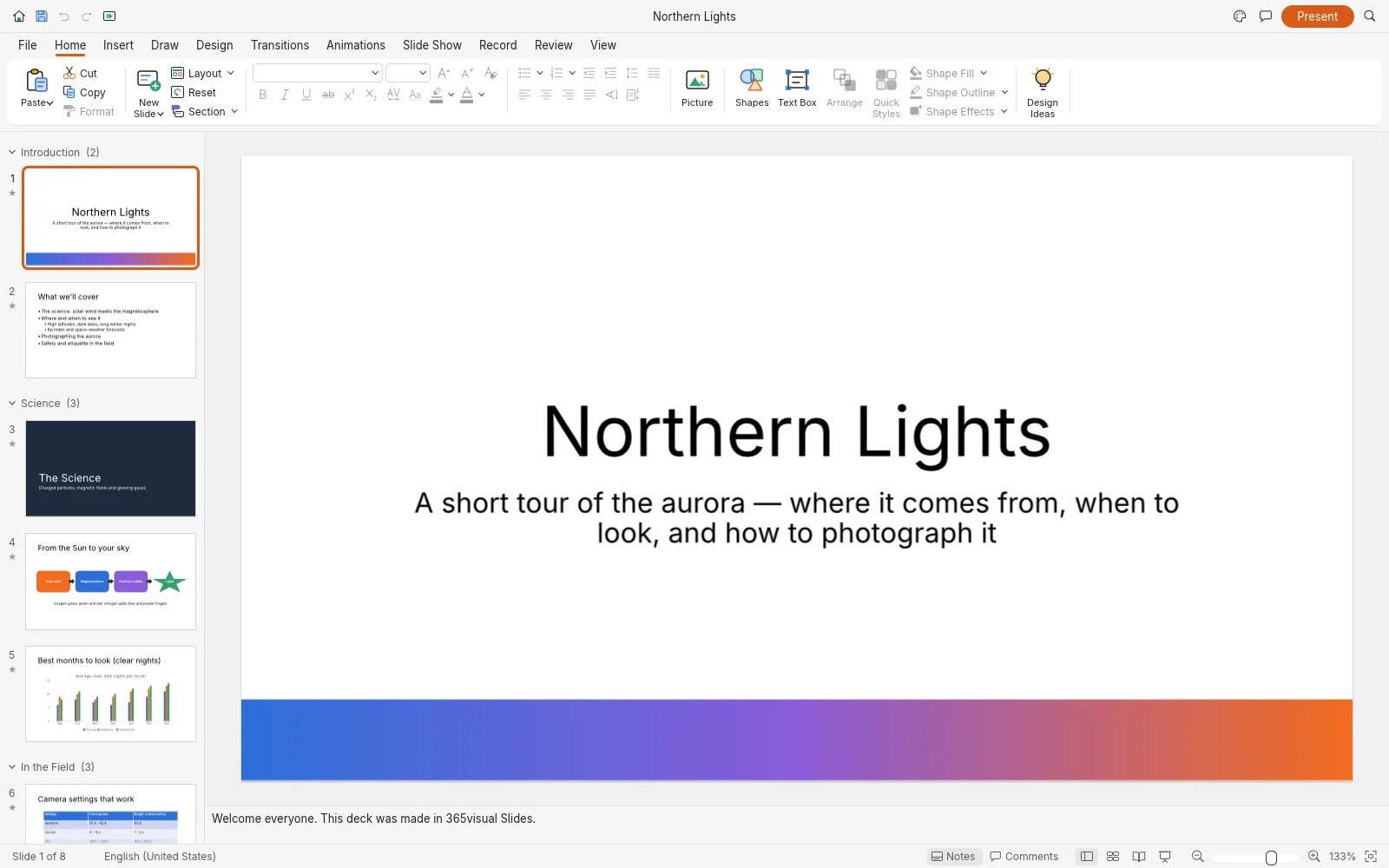
Word, Slides, Sheets and PDF open the files you already have — DOCX, PPTX, XLSX and PDF — and keep them on your device.
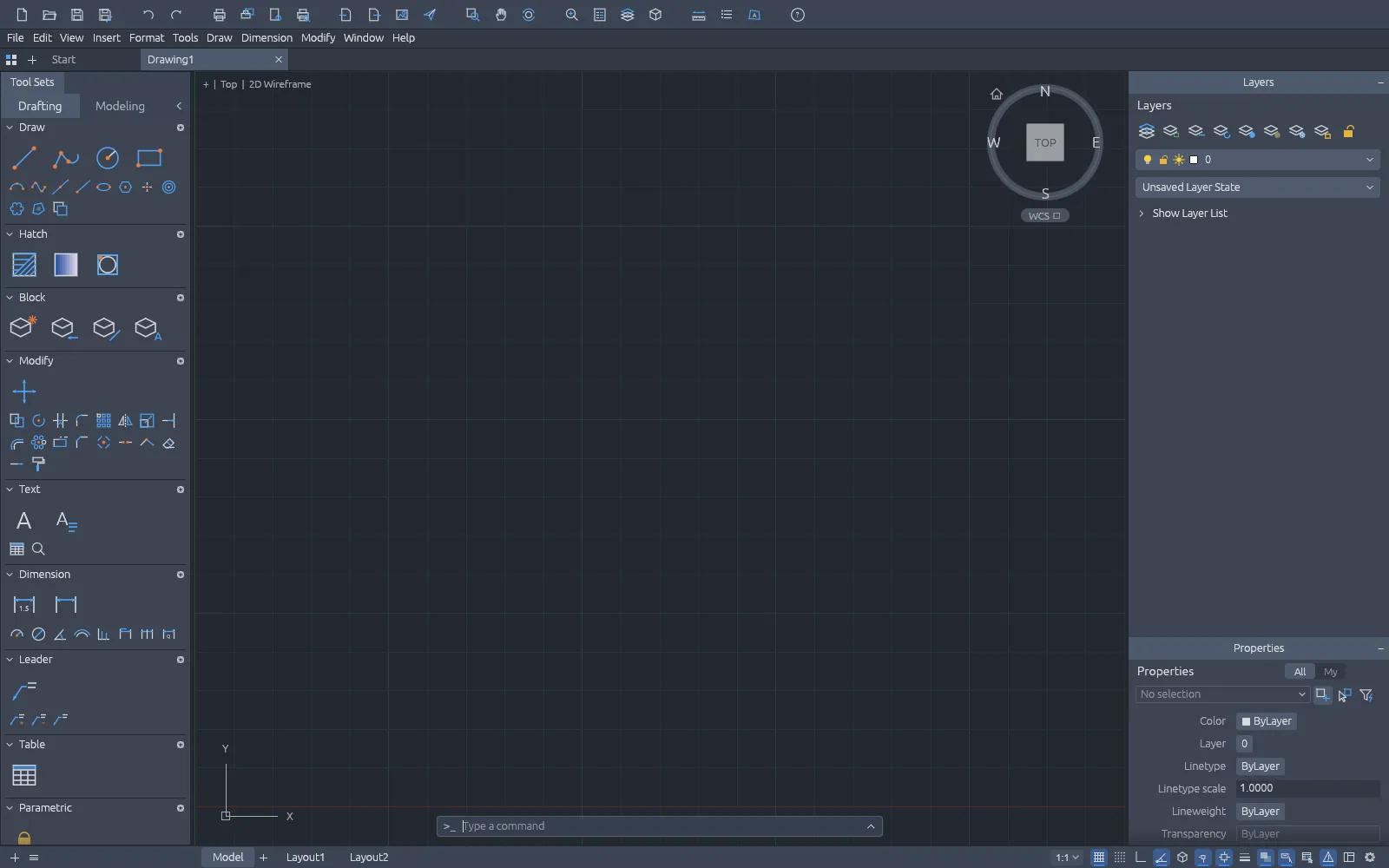
CAD gives you layers, blocks, dimensions and DXF — for plans, parts and technical drawings, printed to scale.
Nothing is uploaded. Open and save files locally — in the browser version too.
Enter your email and activation code once. It works in the browser, on your computers and in Claude Desktop.
On a plane, on site, anywhere. Installed apps don't need a connection.
Native on Windows for full speed with big photos, long timelines and heavy sheets.
When a new version is out, the app offers a one-click update.
Open any app on 365visual.com and enter your email and activation code once.
Get the installer for Windows, Mac or Linux from the app’s page or Downloads.
Run the installer and follow two short screens.
The app tells you when a new version is out. One click to update.